Home › Custom Interval Timer
Build any sequence

Custom Interval Timer for iPhone

Most interval timers force everything into the same work/rest pair. ChainFlow lets every step in your sequence have its own name and duration — build it once, then run it hands-free from first step to last.

Download Free on iPhone

Free · Pro unlock $4.99 · No account needed
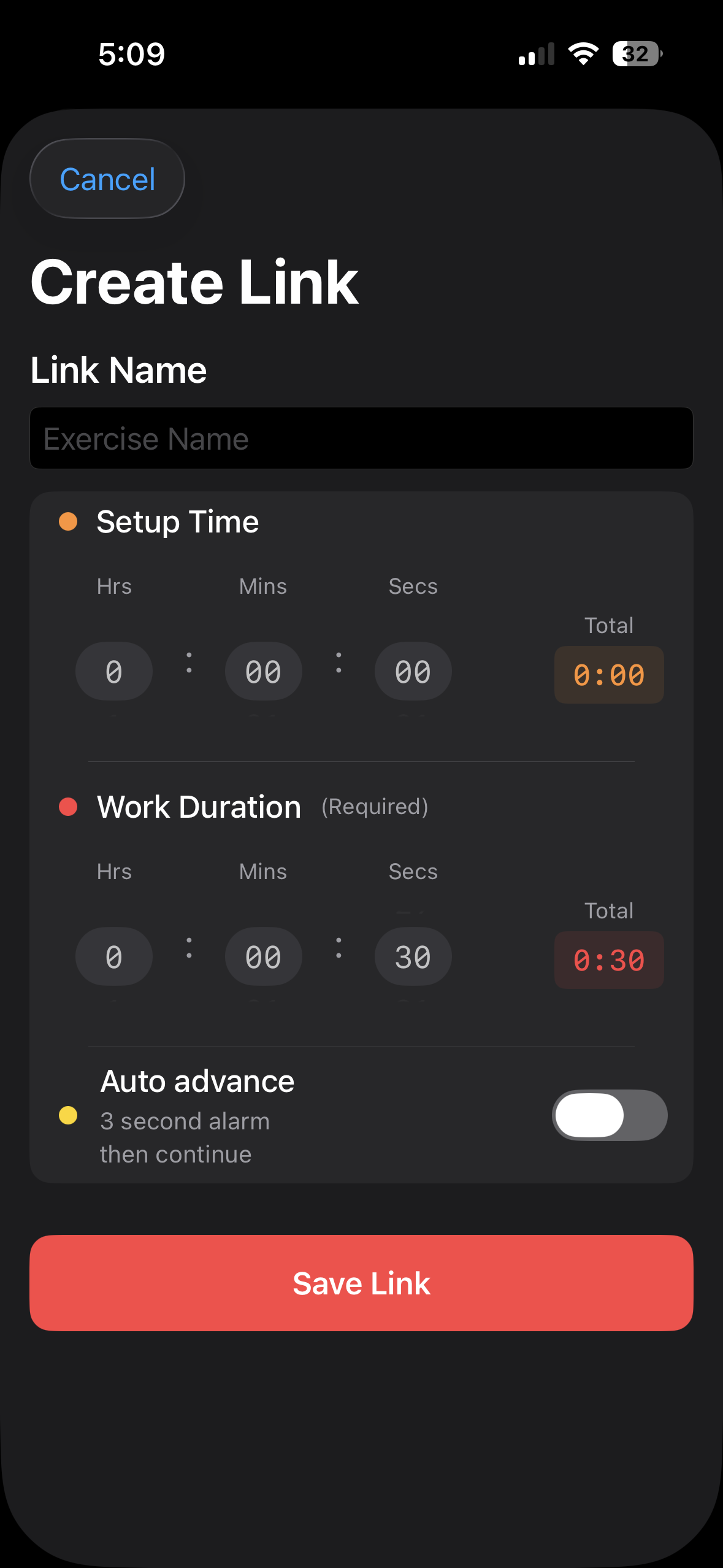
Creating a new link in ChainFlow with name, setup time, and work duration fields

Why ChainFlow works for custom sequences

A fixed 20/10 or 45/15 timer only works until your routine doesn't fit that shape. ChainFlow is built the other way around: you define a sequence — any number of steps, any order, any durations — and it runs exactly that, automatically.

Variable step durationsEvery step sets its own length. Nothing has to match.
Automatic progressionEach step advances to the next on its own — no tapping between them.
Audio cuesDistinct sounds mark transitions, so you can keep your eyes off the screen.
Reliable in the backgroundTiming stays accurate through screen lock, backgrounding, and lock-screen Live Activity updates.

Example routine

StepDuration
Warm Up1:00
Jumping Jacks0:45
Rest0:15
Squats0:45
Rest0:15
Plank0:30
Cooldown2:00

How to use this routine with ChainFlow

01

Create or choose the routine

Start from scratch, or pick a bundled template close to what you need.

02

Set durations and order

Give each step its own name and length, then arrange them however you like.

03

Start the chain

Press play and it runs itself — audio cues mark every transition automatically.

Questions

What makes this different from a normal interval timer?

Most interval timers repeat one fixed work/rest pair. ChainFlow lets every step have its own name and duration, so a warm-up, six different exercises, and a cooldown can all live in one routine.

How many steps can a routine have?

As many as you need. Add, reorder, duplicate, and delete steps freely, and adjust any single step's timing without affecting the others.

Does it keep timing accurately if I lock my phone?

Yes. Timing is anchored to the clock, not a running app, so it stays accurate through screen lock, backgrounding, and interruptions like phone calls.

Can I save a routine and reuse it later?

Yes. Save any routine and start it again in one tap.

Is it free?

Free to download and use. A one-time $4.99 Pro unlock adds unlimited saved routines and cloud sync.

Also great for

Build your first custom sequence

Free on the App Store. Set it up once, run it forever.

Download ChainFlow